
Printing on Watercolor paper at home: What you need to know
Printing on watercolor paper is tricky because the paper is heavier, and it tends to break rather than bend. However, I’ll share the tips that help me get great results!
I’ve shared many Inspirational Coloring Page that you can print at home and watercolor on. I would suggest using a thicker paper that doesn’t warp easily!
Printing on Watercolor Paper at home: Step by step
There are a few things you need to keep in mind before you print on watercolor paper- and below you will find my thoughts with helpful images.
The Printer seen in this post is the Canon PIXMA Color Printer MG5520. Here is a newer version Printer that is available
1. Check your printer paper input size
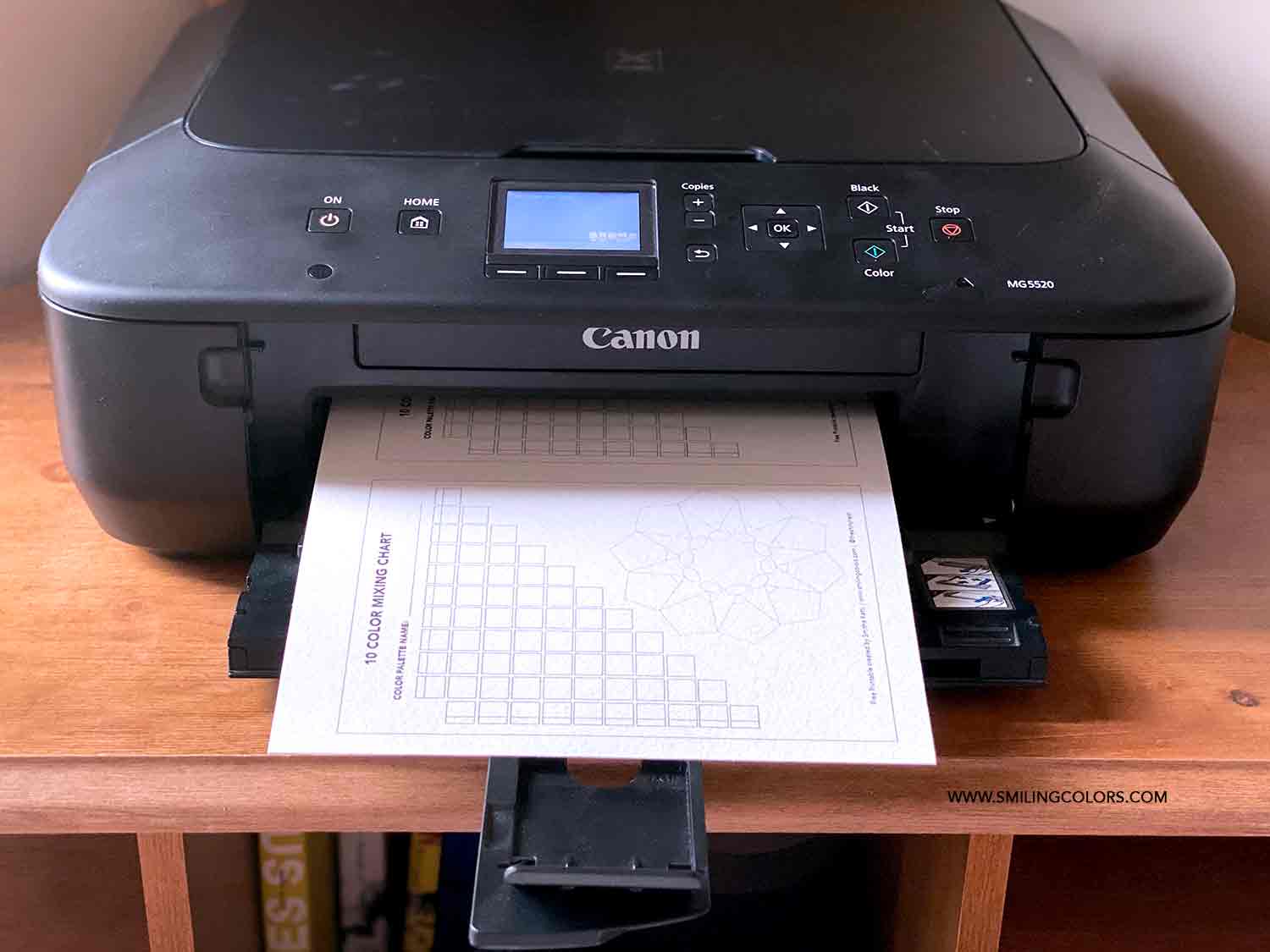
For today’s example, I am using my basic everyday printer- Canon PIXMA Color Printer MG5520. This is an older printer, a great inexpensive everyday use Inkjet printer. Nothing fancy and it prints paper up to size 8.5 by 11 inches. Here is a reference for common Printing Paper Sizes.
2. You might need to trim your Watercolor paper:
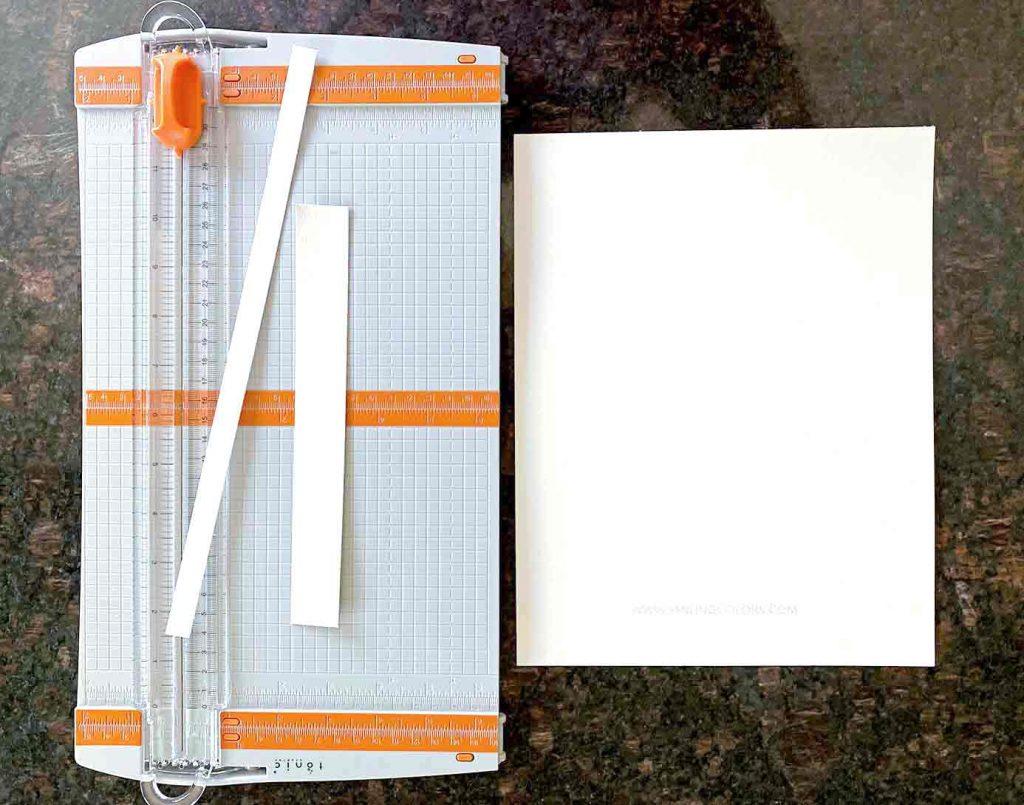
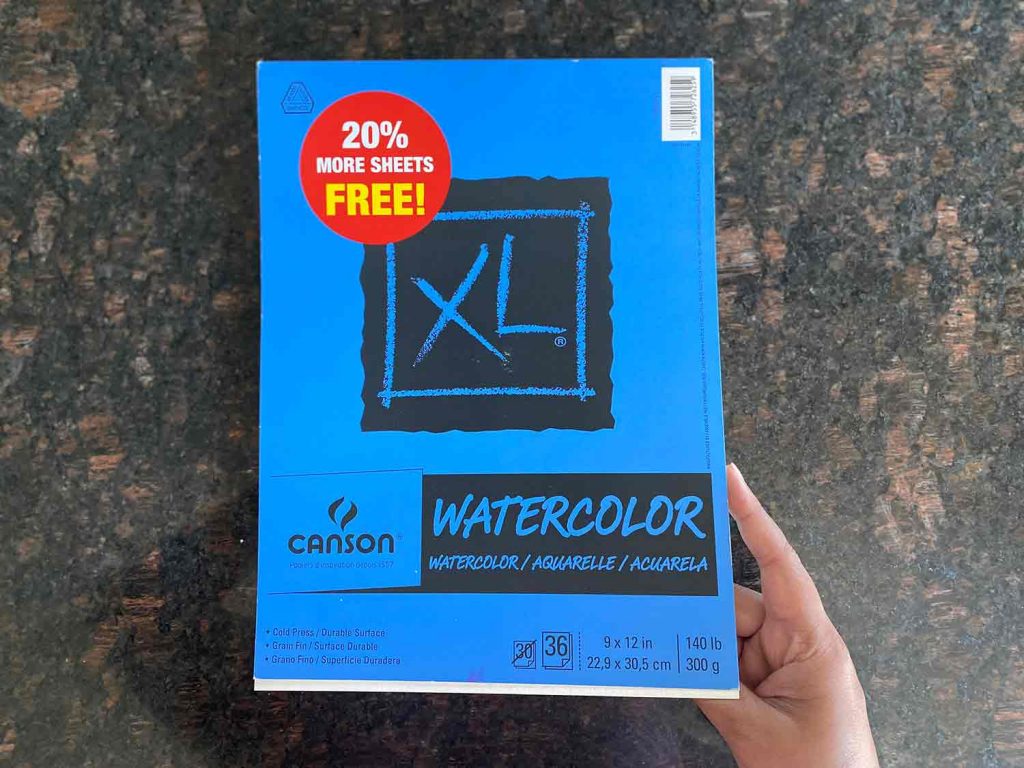
The watercolor paper I chose is a 9 by 12 inch 140lb weight paper. It’s nice and thick. To fit it into the printer I simply trimmed 0.5 inches off the side and an inch from the top. This makes my watercolor paper now 8.5 by 11 inches in size. Perfect!
Here is a link to the trimmer seen below: https://amzn.to/3QkQ8Pl
3. Remove your everyday paper from the feed
I usually have a stack of paper in the input feed, so before moving further I make sure to pull out all of the paper. This makes the printer feed empty.
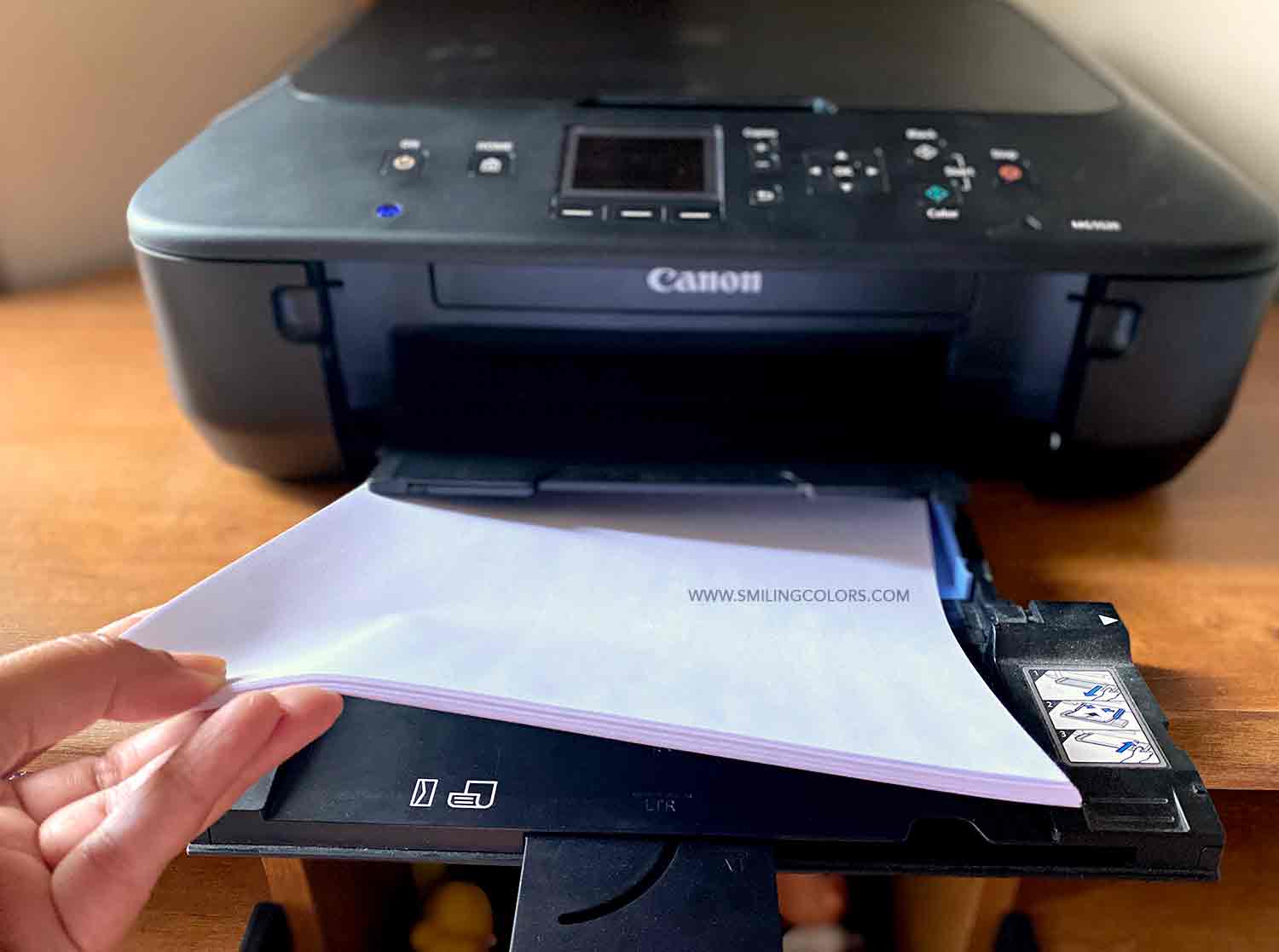
4. Insert your watercolor page into the printer input feed.
Now go ahead and insert your trimmed watercolor paper into the printer input area.
My printer has a front feed, and I have not found the paper to bend, tear or rip while printing. And I have done this many times!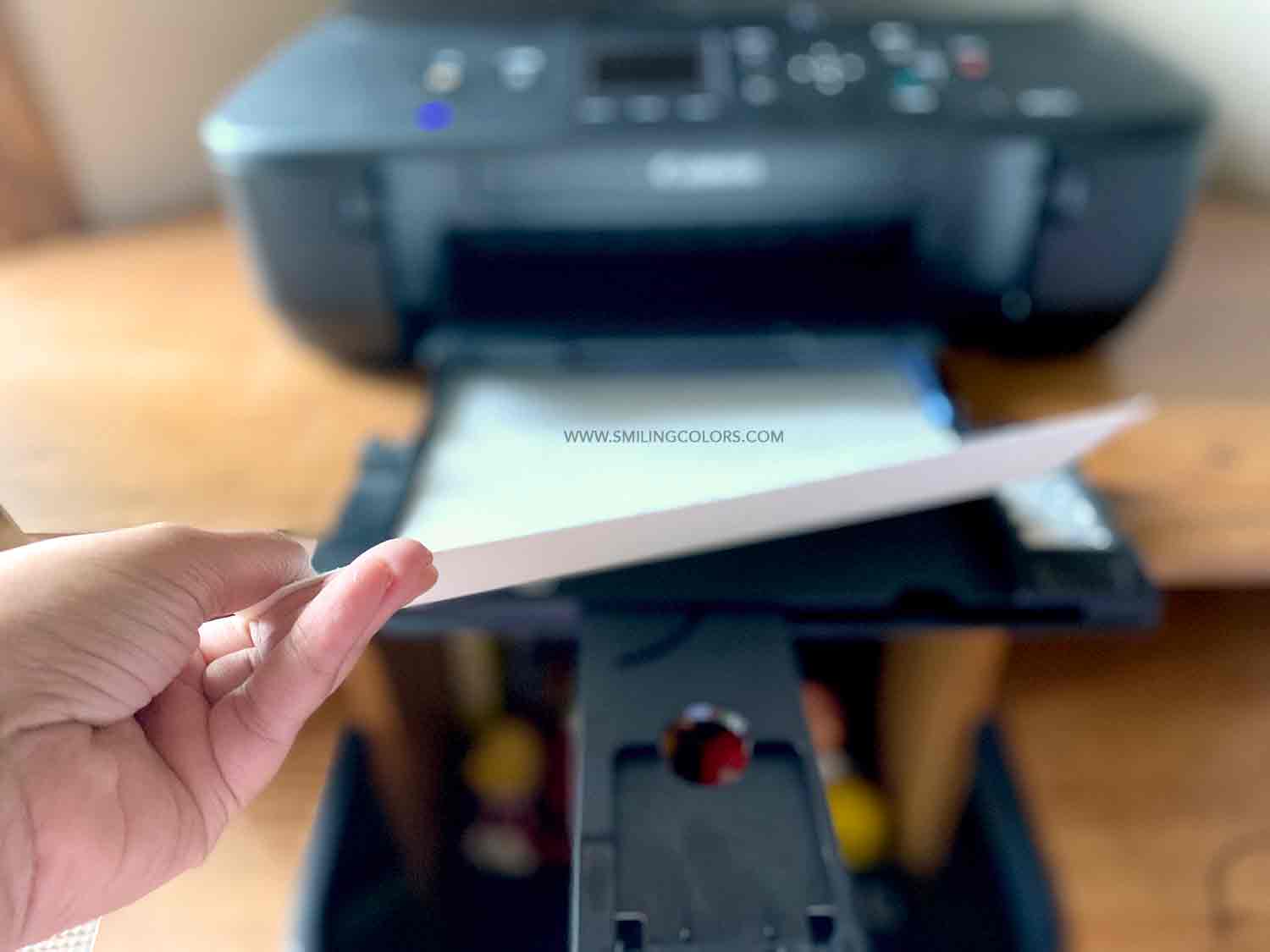
5. Change the print settings on your computer
Select your file and then hit print. In the printer box that pops up, I like to select the paper as “Photo Paper”. This yields a good quality image each time I print. Then press the print button!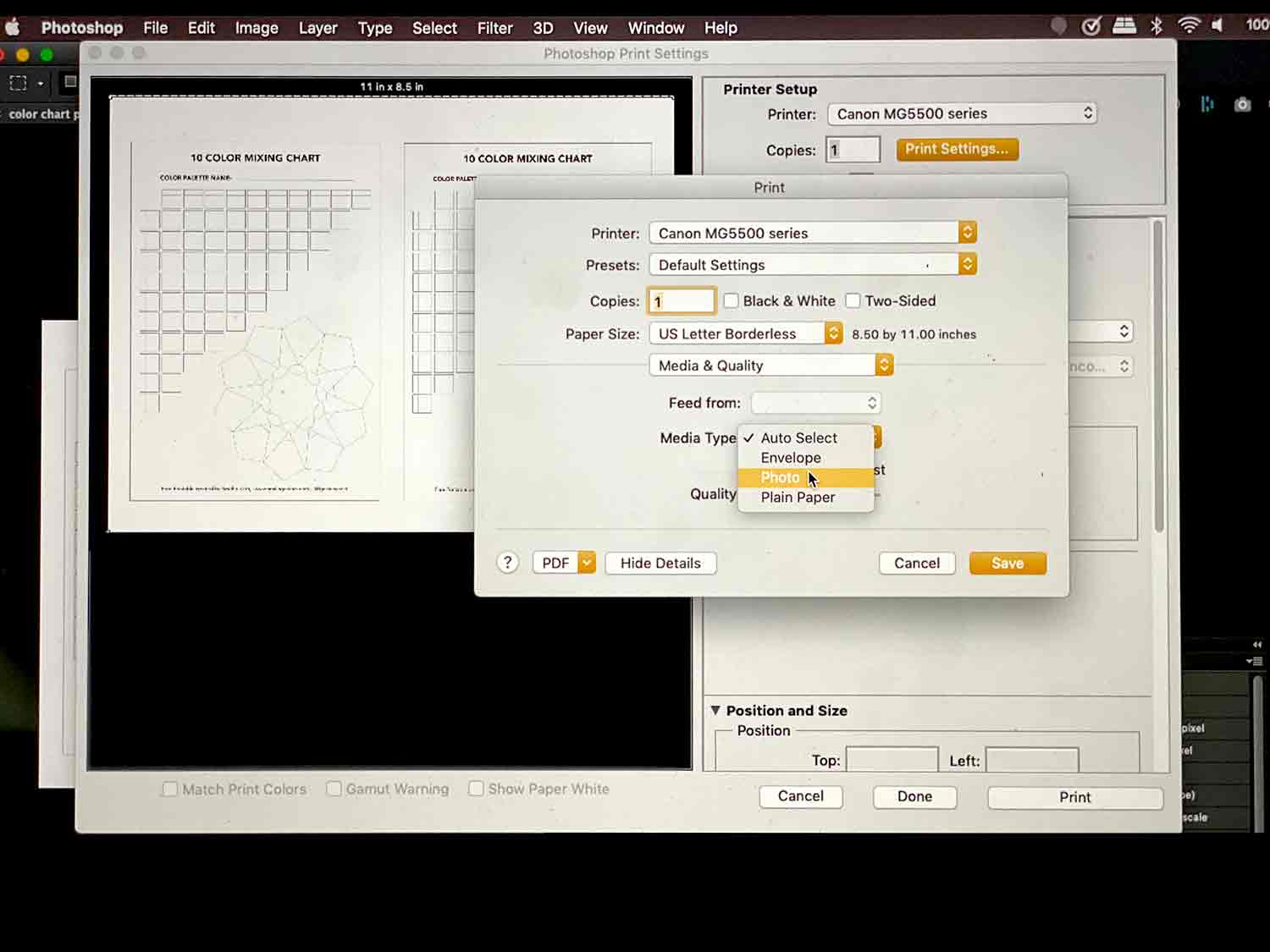
Enjoy Printing on Watercolor Paper!
And voila! Your printer has printed your design on watercolor paper for you 🙂
Before you start watercoloring, do a quick water test on the paper to see if the ink smears or smudges.
Tips for Troubleshooting:
- Many printers have an optional rear input slot for thicker papers to prevent the paper from bending too much. A quick google search of your printer specifically can reveal if it has a separate rear input slot.
- Make sure that you feed your watercolor paper the right way. Watercolor papers come with a smooth/textured side so choose where you want to print. For easier results try printing onto the smooth side.
- Always use branded recommended inks. If you refill cartridges or substitute generic brand inks they tend to smudge. Use only the recommended inks for the printer.
- If your paper tends to bend or rip a lot while going through the printer machine I have heard that misting the paper ever so slightly with water will make the paper a bit more pliable through the printer. I do not know if this works- try it at your own risk!
- Try using a slightly thinner paper while printing on watercolor paper. Yes, I use this 140lb watercolor paper a lot. In addition, this thinner 98lbs Mixed media paper gives great results too! Mix and match your papers and printer inks to see what works best for you.
- Worst comes to worst if you find that your printer isn’t printing on mixed media or watercolor paper, buy this set of Matte Photo Paper! This paper is much thinner, 45lb but the paper is made for photos, so the ink dries instantly! You will also find that the paint color you add to the photo paper works differently- but it is fun to color it in!
print on watercolor paper near me
If after all the trouble shooting you are unable to successfully print, then you can still find places nearby to do this for you.
For my pinterest class, I took was able to search “print on watercolor paper near me” and found out that my local Fed Ex store could help me out with this!
Printing on Watercolor Paper Examples:
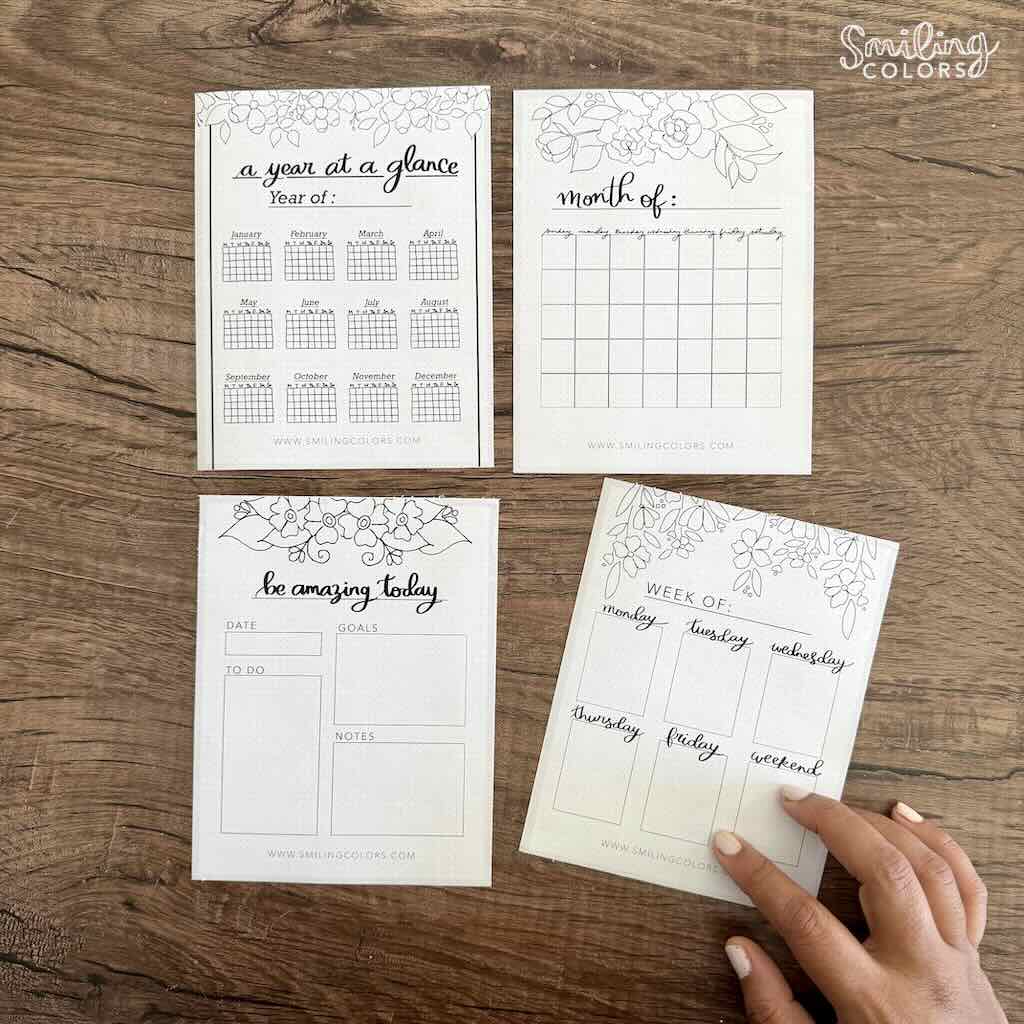
Here are few examples of printing on watercolor paper. Print this Color Mixing Chart pdf onto watercolor paper and then enjoy filling in the little boxes with color.

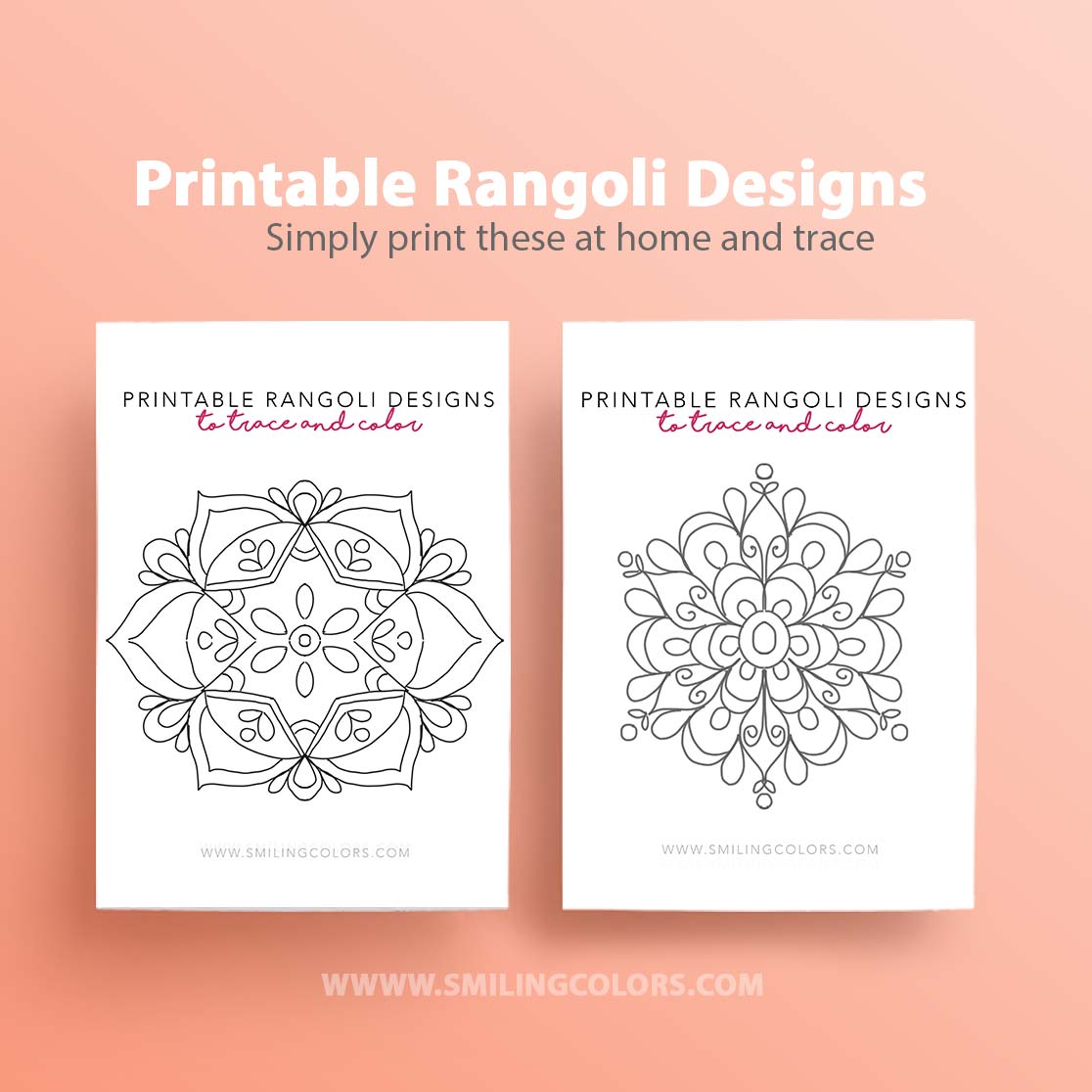
I also loved printing these Flower Mandala Coloring Pages onto Watercolor paper and coloring them in. Such a calming activity.

Latest Video:
Leave me a comment below if you have any questions or suggestions for Printing on Watercolor paper. I’m sure every printer is different and would love to learn from you guys!

Inspiring you with simple doable Art and Craft ideas and tutorials that will encourage you to use your supplies, get messy and find your creativity.

Thank you so much! I had NO IDEA you could print on watercolor paper! I can’t wait to try this!
I cannot find your printer. What newer printer works with watercolor paper?
Hi Tari! I’ve had great results using the Canon Pixma Printers. There are many newer models available these days!
Hi! I have an image of an old building that I turned into a watercolor-of-sorts using the Prisma app. Happen to know if it will look like a watercolor if I print it on watercolor paper? I was looking for an online store I could upload it to that would do it for me but I can’t seem to find anything.
You can print it on watercolor paper or even on photo paper and it should work!
May I ask whether you think the Canon PIXMA TS3420 Black Wireless All In One Inkjet Printer would work? I’m hoping to buy one tomorrow, but nervous it might be too different from your model… If you had any insight I would be so appreciative. Thank you in advance and also for this article.
Hi Rose! I currently, actually have a TS 3300 series wireless printer and it works great for printing on watercolor. Hope this helps. Thanks for stopping by my blog!
Dear Smitha,
Thank you so very much for your information! I bought a used Canon MP620 in what seems to be great shape, and I want to print my photos and then use watercolor pencils to enhance them. I purchased ink from Ink Farm, but somehow the paper I used (65 #) came out looking like it had gone through a water bath, shriveled looking. I just used regular copy paper because I am making cards. Do you think the ink is the problem? Thanks for any help you can give. I don’t have a website, just a FB page.
Printing a whole colorful on watercolor paper is not easy as the paper is textured. A black outline image will show up easier.
Thanks for the tip on other paper to print on. I tried the 140lb and it jammed my printer up. I love your paper cutter. Can you tell me what it is called? I would like to get one if possible.
Hi Diane! My paper cutter is by a company called Tonic Studios. Its an older one, but very similar to this one https://amzn.to/3QkQ8Pl
Hi Smitha
Thank you so much for sharing your knowledge. I would love to be able to print my drawings onto WC paper and then apply watercolours onto it. Would this work on a laser printer. On inkjet the inks are water based and smudge!!
Some inkjet printers dont smudge I’ve found! But this should work on laser printers no doubt. I just bought a laser printer recently and will verify soon
Hi Smitha, I am appreciate your sharing! one more thing to check with you, if the Canon PIXMA Color Printer MG5520 support to print smaller size paper? such as A5.
I enjoy colorizing black and white photos. Therefore, I am searching for a printer which prints only black and white on watercolor weight paper without smearing. Color printers need expensive color cartridges, which I do not need. I only want to print in black and white. Can you recommend such a printer? Thank you.
I have recently bought a laser printer that is black and white only. I will check if I can print on watercolor paper with it and let you know.
Hi just wondering what laser printer you bought and if it worked printing on wc paper?
I actually was not able to print on watercolor paper using my new laser printer! What a bummer. I am going to try thinner mixed media paper and see if it works, but it does not look hopeful.
I have checked all over with printing services (they all now seem to use ONLY laser printers and they all say same thing: cannot print on w/c paper. Laser printers don’t dig into the paper and for some reason that prevents them from printing on w/c paper. Again: all printer services I called in Portland,Oregon area said same thing. Sorry. Bummer. (I have a laser and SO wanted to do up some simple swatch sample cards and sheet. Dang. Dang again.!
I was totally unable to print onto watercolor paper with my new laser printer. It is a basic small model, so I did not have high expectations. But, i have been able to print my designs onto mixed media paper (90lb) at my local FedEx store. I had a class that I was teaching, and they were able to easily print 90 to 100 pages for me! I think the thicker 140lb watercolor paper has too much texture/grain for them to print on.
Thank you for sharing such useful information. If you are interested, you may find some reliable and efficient color multifunction printers on our website.
I purchased the Canon TS9521C, a ‘crafter’ ink-jet printer. Why? Want to be able to print on heavier paper. It’s supposed to. Haven’t done it yet. BUT, one negative: I called Canon and was told (IN NO UNCERTAIN TERMS) that they do NOT make a waterproof ink for any of their printers and that if I were to buy some other brand that IS waterproof…it could mess up my printer and VOID my warranty. So, now I am left wondering if wet paint will blur my pages. (I was warned to only go with waterproof ink if I intend to paint on these pages after printing on them.) No idea what to do now. 🙁
Woops. Sorry. Correction to my earlier post: I should have said: I was warned by an art instructor to make sure to use ONLY waterproof ink. (I think that I incorrectly made it appear that the Canon folks had warned me. No.)
I have actually found the canon brand ink for that particular printer to dry waterproof for me. It was a little surprising to me too, but it works!