
As a scrapbooker and photography enthusiast, I have two printers at home, one for everyday use and one that I use when I want that crisp color contrast. So let’s talk about the best photo printer for scrapbooking today.

I like to print my photos at home. I have been doing this for a few years now and I totally love the convenience of it. I’m pretty sure it is not the most economical option, but this is my hobby and it gives me immense pleasure.

There were days when I used to batch-process my photos and upload them to a retailer, waiting days to receive a 2-inch tall stack of prints. Half of them sat in envelopes because I never got around to organizing them in time.

Nowadays, when I feel like I need to scrapbook- you know that itch to glue photos and pretty paper together to tell a story and save a memory, I sit at my computer and print a few photos. On cold winter days when we are cooped up inside, printing a 12×12 photo enlargement in the middle of the afternoon instantly brightens my day.
To make this workflow effortless, I actually keep two different printers – both are the best photo printer for scrapbooking at home: one for everyday wireless convenience, and one for deep, color-rich photo prints. Now let me talk more about why crafters benefit from having an everyday printer alongside a dedicated high-end photo printer.
The best photo printer for scrapbooking
1. The Heavy Lifter: Canon PIXMA Pro-9000 Mark II
The The Canon Pro 9000 Mark ii is great for 12 by 12 inch prints, has a 8 -ink color accuracy and rich contrast. This is my dedicated high-end photo printer. It handles wide-format prints up to 13×19 inches. Because it uses 8 dye-based ink tanks (I always make sure to keep extra Photo Cyan and Photo Magenta stocked!), the color richness and depth are incredible. It’s a wired setup and prints deliberate, high-quality output when color accuracy matters most.
2. The Quick Everyday Companion: Canon PIXMA TS3722
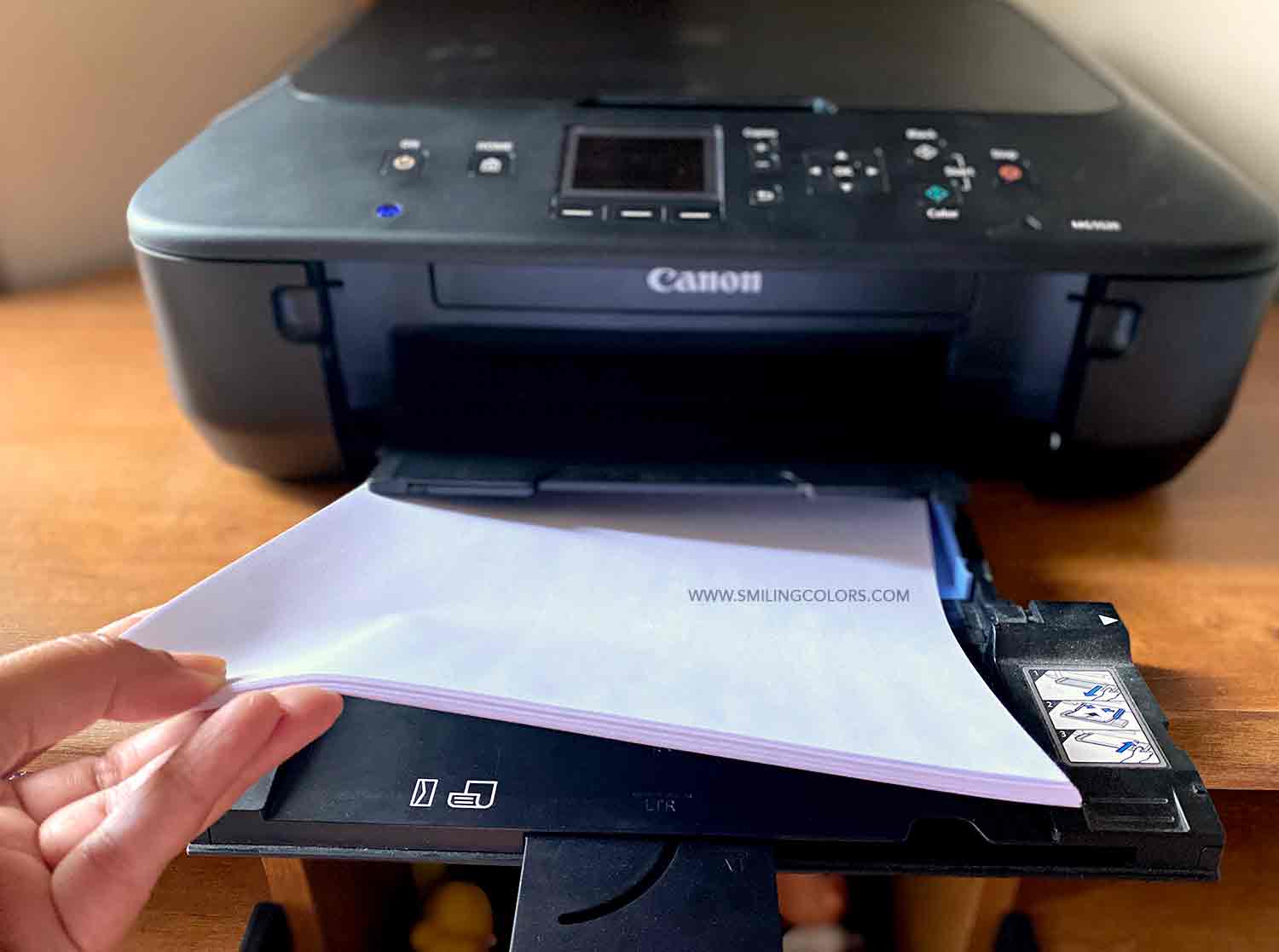
For daily printing, craft planning, and instant phone prints, I use the Canon PIXMA TS3722.
- Instant Wireless Printing: It lives on my Wi-Fi network. If I snap a quick picture on my phone that I want in my journal or scrapbook right away, I can print it wirelessly in seconds.
- Low-Friction Setup: It uses a simple 2-cartridge system (Black and Tri-Color), making it quick to maintain for everyday documents
- Paper size: I can print quick 4×6 photo or a full sheet of 8.5 by 11 inch
- Brand Consistency: Sticking with Canon across both machines keeps my color output predictably accurate, especially when using Canon Photo Paper Matte
Is a Two-Printer Setup Right for You?
If you scrapbook, print printables, or keep a memory journal, splitting your printing needs between an everyday wireless printer and a specialized photo printer saves time and ink:
- Use your wireless everyday printer (like the PIXMA TS3722) for fast 4×6 snaps, journaling sheets, patterns, and general household needs.
- Save your wide-format photo printer for large-scale scrapbook pages, frame-worthy family photos, and projects requiring maximum color depth.
Do you print your photos at home, or do you prefer ordering them online? Let me know in the comments below!

PS: This post is not sponsored. I just really love having control over my photos when inspiration strikes!
Great post! A good photo printer is currently on my wish list :).
Glad you liked my post!
I love my Canon stuff too! (Including my cameras!) I find that I use my wireless Selphy printer a lot more often even though my laptop sits within a foot of my Pro 9000 Mark II. I love that your new wireless printer takes both sizes of paper, and the same ink cartridges! Lately I’ve been printing my PL photos at Smugmug since I was 7 months behind and now do a month at a time (plus I have client photos to print there anyway).
A selphy is something I have been eyeing for a while now 🙂